Pick a style
Styles Kids
 Space party
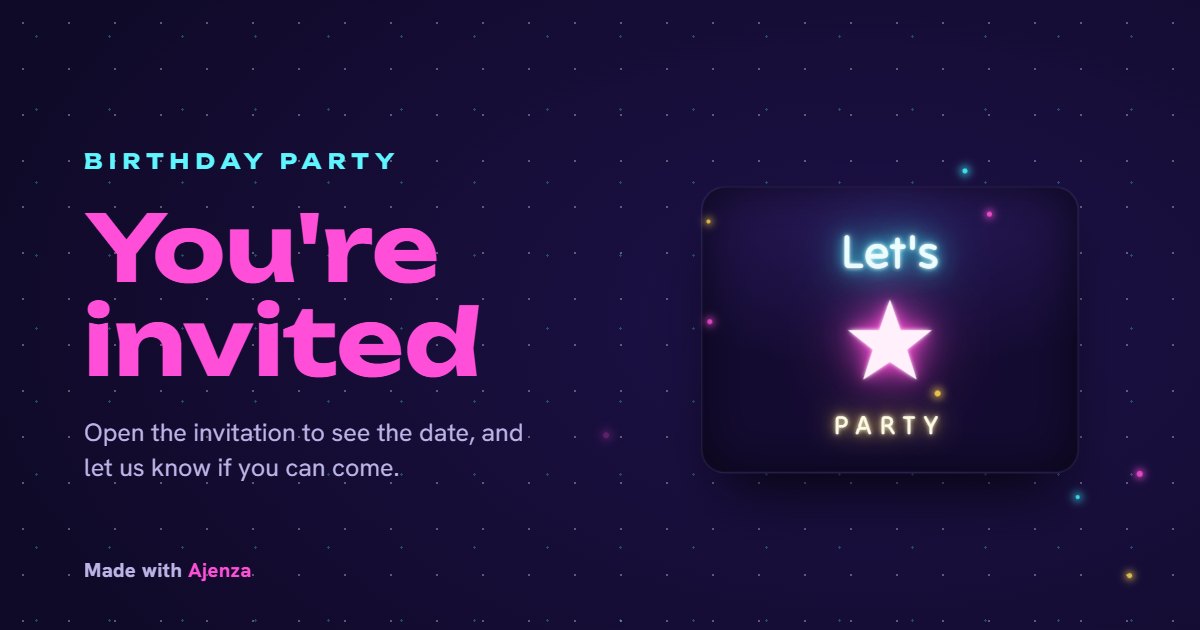 Teen
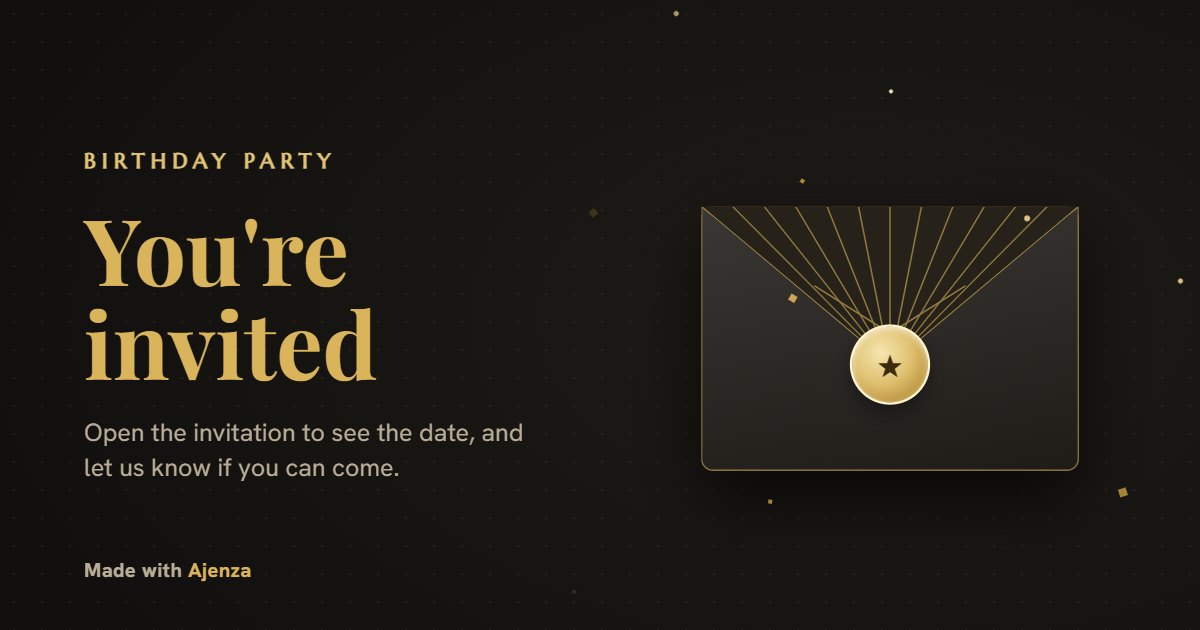 Adult
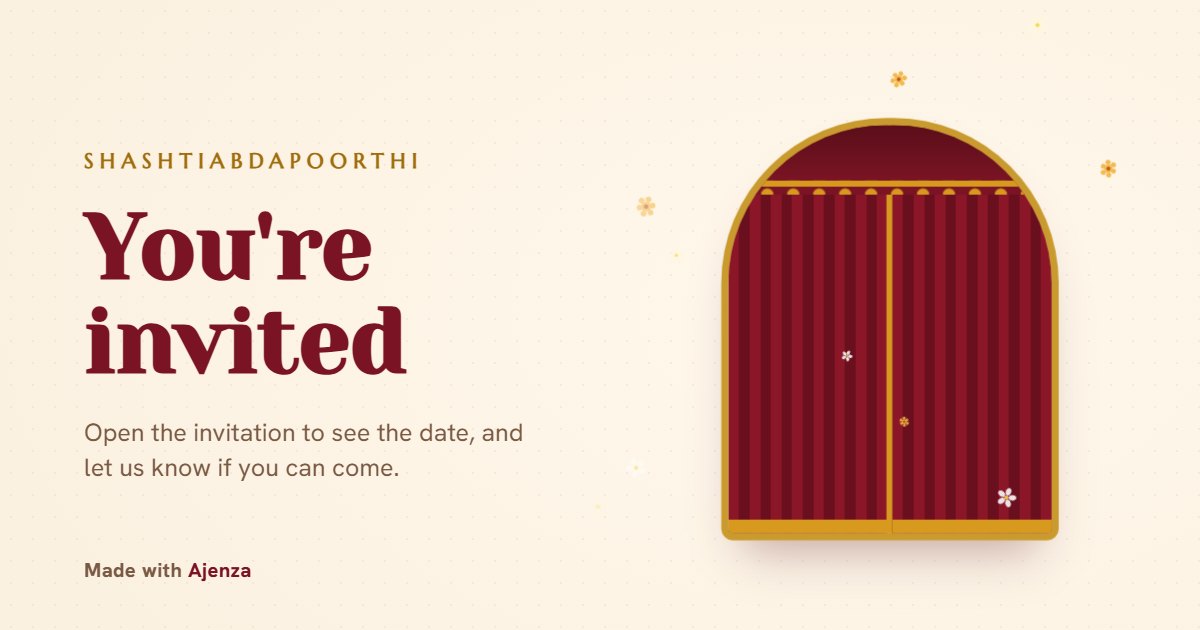 Shashtiabdapoorthi
 Milestone
By occasion
OccasionsWhy use Ajenza
Features- A style for every age: a gift to unwrap, a rocket launch, a neon sign, a gold scratch card, memory lane.
- The party plan with times, the venue with a map, and add-to-calendar links.
- Replies that fit the party: adults and kids, a plus-one, a song request, food needs, a favourite memory.
- Times shown in the venue's time zone, with each guest's own time for family abroad.
- A link that previews with the party's name and picture on WhatsApp, plus a QR code for print.
Four steps to sent
How it worksMake yours in a few minutes
Free to build, publish and share, and guests never pay or sign up. Each invitation includes free guest views; unlock it once for unlimited views.
Create yoursFrequently asked questions
QuestionsHow do I make a birthday invitation online?
Pick a style, add the birthday person's name, age, date and place, then publish to get a link. Send it on WhatsApp, by email or as a QR code.
Which style should I pick?
Kids (1–12) and the space party for children, Teen for 13–19, Adult for 20–49, and Milestone for 50 and up. There's also a traditional Shashtiabdapoorthi style for a 60th. The age suggests one, and you can switch at any time.
Can guests reply on the invitation?
Yes. Each style asks what that party needs: kids' parties count adults and kids, adult parties ask about plus-ones, teens can request a song, and milestones collect memories.
How is this different from a birthday invitation card image?
A card image is a picture: guests can't open a map or reply on it, and a change means sending a new one. Ajenza's invitation opens from a link as an animated card with the party plan, the map, add-to-calendar and a reply form, and any change you make shows on the same link straight away.
Do guests need an app or an account?
No. Guests open the link in any browser and reply on the invitation. You see every reply in one list, and can download it.
Is it free?
Making, publishing and sharing your invitation is free, and guests never pay or sign up. Each invitation includes a set number of free guest views; if you need more, a one-time payment unlocks unlimited views for that invitation.
Can I make more than one?
Yes. One Google account holds as many invitations and wedding cards as you need, each with its own link and its own replies. You'll find them all under My cards.